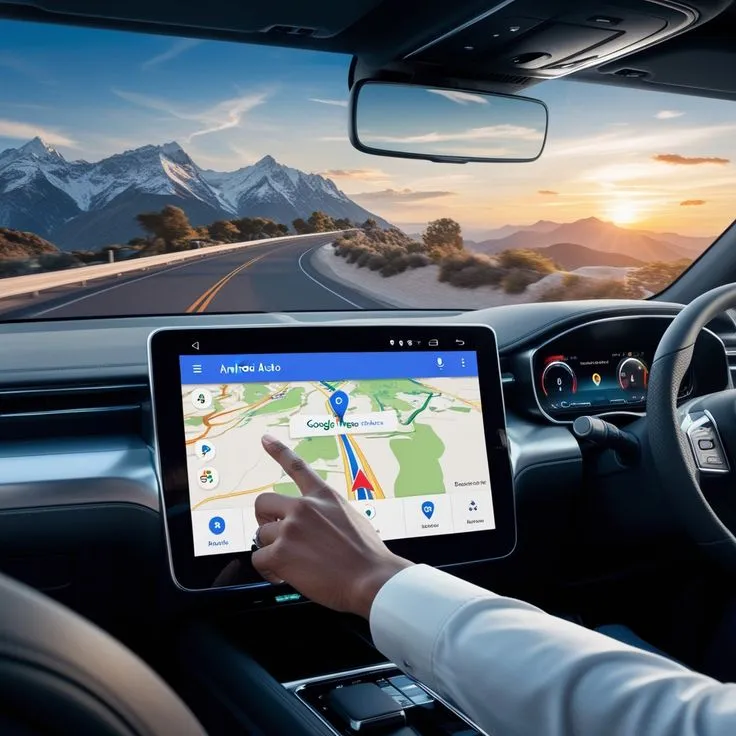
A rental car makes it easier to explore beyond a hotel or resort, but modern road trips depend heavily on phones and digital tools. Navigation, accommodation details, restaurant bookings, parking locations and contact numbers may all be stored on one device. If that phone runs out of battery or loses connection, even a simple journey can become unnecessarily stressful.
Travellers using Dalaman Car Rental can make everyday driving easier by preparing their travel technology before leaving the accommodation. A charging cable, offline map and saved contact details take up very little space but can be extremely useful when the route changes or mobile coverage becomes unreliable.
Download Important Information Before Driving
Do not assume that a strong mobile-data connection will be available on every road. Before setting out, save the destination, accommodation address and important map areas for offline use where the navigation app supports it.
Screenshots can also be helpful for information that does not change frequently, such as hotel directions, parking instructions or a meeting point. This prevents travellers from repeatedly searching through emails while standing beside the vehicle.
Keep Charging Simple
A long day of navigation can drain a phone battery quickly. Check which charging connection the rental car provides and carry a suitable cable. A power bank can provide additional backup when several passengers need to charge devices.
A useful travel-tech kit may include:
-
Phone charging cable
-
Portable power bank
-
Secure phone mount
-
Offline maps
-
Accommodation contact details
-
Rental-company assistance number
Keep cables organised so they do not become tangled near the driver or gear controls.
Use a Proper Phone Position
Navigation should be visible without requiring the driver to hold the phone. If a suitable mount is available, position the device where it can be viewed briefly without blocking the windscreen or important vehicle controls.
Set the destination before moving away. A passenger can manage route changes, search for parking and handle messages while the driver concentrates on traffic.
If the route needs significant adjustment, stop somewhere safe rather than trying to type while moving.
Save Rental Information Digitally and Offline
Travellers comparing cheap car hire dalaman airport options may complete much of the booking process online. Once the reservation is confirmed, save the important details somewhere that does not depend entirely on internet access.
Keep a copy of the booking confirmation, provider contact number and collection or return instructions. A screenshot or downloaded PDF can be useful if an email account is temporarily unavailable.
However, important physical documents such as a driving licence or passport should still be carried when required. Digital copies are useful backups, not automatic replacements for original documents.
Protect Devices From Heat
Phones, cameras and power banks can become very hot when left inside a parked car. Avoid leaving electronics on the dashboard or in direct sunlight.
Take valuable devices with you when leaving the vehicle whenever practical. Besides heat exposure, visible electronics can attract unnecessary attention.
If a phone becomes unusually warm while charging and running navigation, move it away from direct sunlight and allow it to cool.
Mark the Parking Location
Unfamiliar towns and large car parks can make it easy to forget where the vehicle was left. Use the phone’s map function to mark the parking location before walking away.
A quick photograph of a nearby sign or landmark can also help. This is particularly useful when travellers enter a town through one street and return by another.
Remember to remove old parking pins later so they are not confused with the current location.
Do Not Depend on One Phone
When two or more adults are travelling together, keep essential information available on at least two devices. One phone may run out of battery, be left at the accommodation or develop a technical problem.
Sharing the accommodation location and rental-provider number gives the group a simple backup without requiring everyone to carry copies of every document.
Keep Technology From Controlling the Day
Digital tools should make a road trip easier, not turn it into constant screen checking. Navigation apps may suggest shortcuts that are less convenient than recognised main roads, and online recommendations can encourage travellers to add too many stops.
Use technology to support the itinerary while remaining willing to simplify the route. Sometimes the easier road or nearby café is a better choice than following every suggestion displayed on the screen.
Conclusion
Travel technology can make a Dalaman road trip far easier when it is prepared before the vehicle starts moving. Offline maps, reliable charging, saved booking details and a secure phone position help travellers manage unfamiliar routes without unnecessary distraction. Keeping essential information on more than one device also creates a useful backup. The goal is not to rely on technology for every decision, but to use it practically so navigation, parking and communication remain simple throughout the journey.